If your phone gallery is full of photos of flowers, food, landscapes, leaves, or everyday things, don't rush to delete them.
Those photos might actually be digital assets you haven't noticed yet. A single photo can be turned into different seamless pattern designs for fabric, wallpaper, product packaging, digital scrapbooking, and microstock marketplaces.
What Is a Seamless Pattern?
A seamless pattern is an image that can be repeated without visible seams. Patterns like this are commonly used for fabric, wallpaper, gift wrapping, product packaging, digital scrapbooking, website backgrounds, and print-on-demand products.
Step 1 — Choose a Photo from Your Phone Gallery
You don't have to buy premium photos. Start with your own photos. Flowers, leaves, food, coffee, plants, fruit, rocks, vintage objects, and home decor can all become sources of ideas.
Sometimes, simple photos can actually make really unique patterns.
Step 2 — Turn It into a Pattern Using AI
Once you've chosen a photo, AI can help turn that one photo into different pattern compositions, so you don't have to arrange every element manually from scratch.
For microstock, a 4096 × 4096 pixel canvas is enough. You can export the final result as a JPEG, while PNG is useful when you need a transparent background.
Step 3 — Make Sure the Pattern Is Truly Seamless
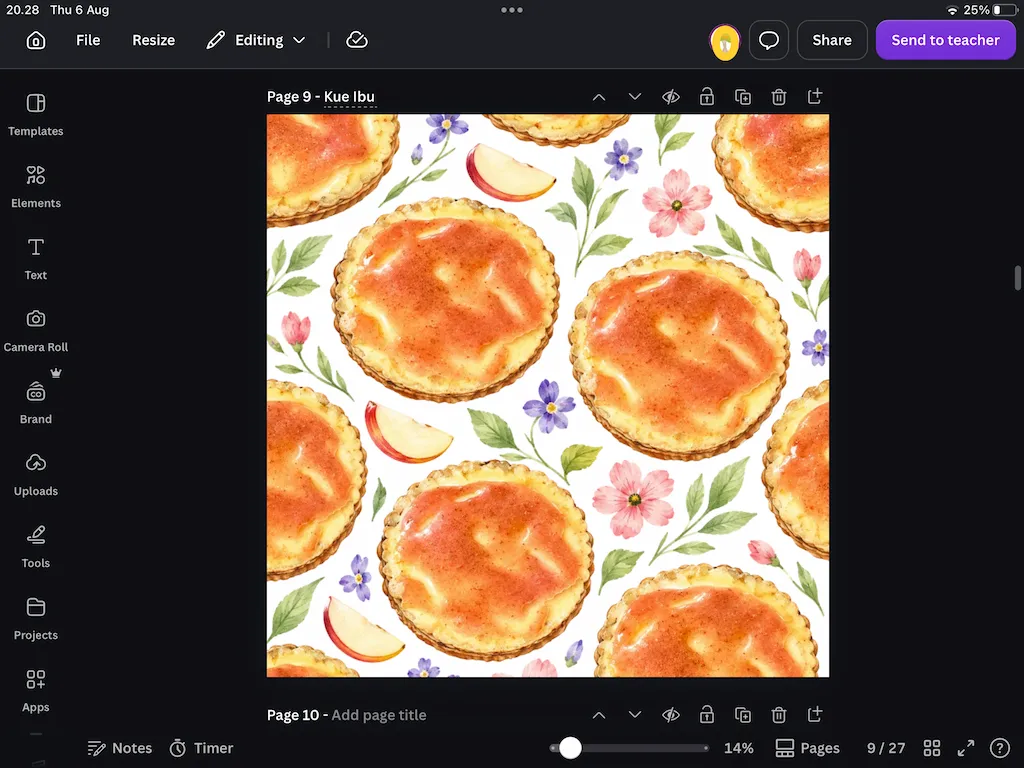
A pattern can look great as a single image but still have visible seams when it is repeated. So always check it before publishing.
You can use Adobe Illustrator, Affinity Designer, Canva, or Procreate. Canva is pretty practical for checking the seams, while Procreate can help you clean up details and transitions.
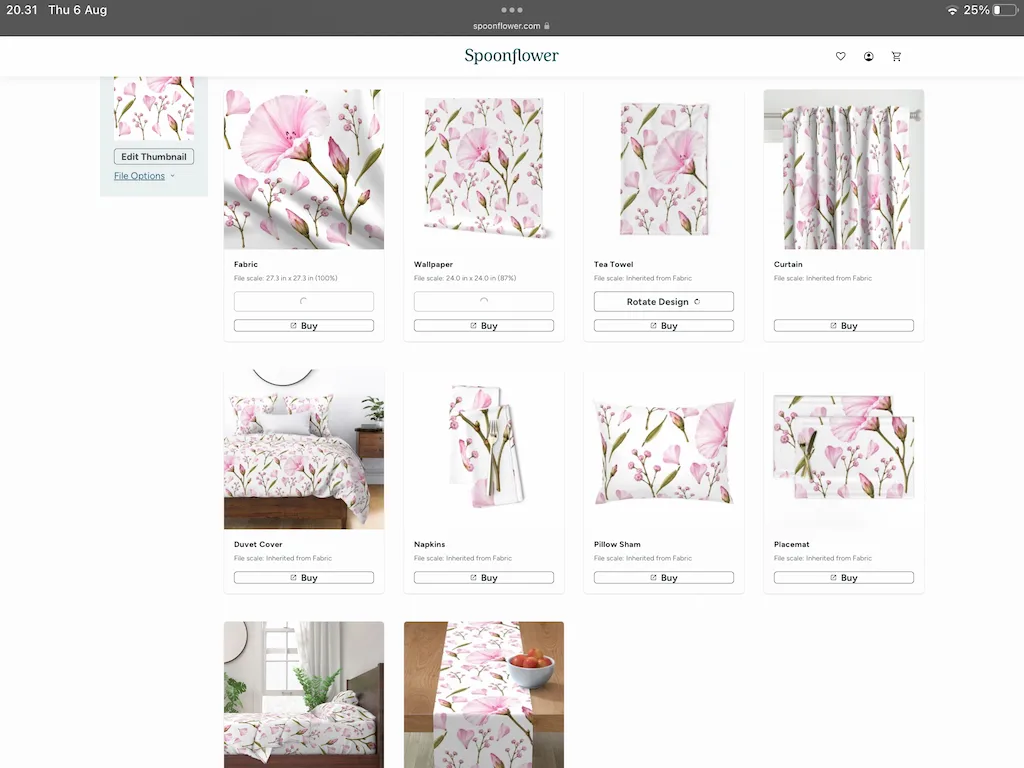
Spoonflower can also be useful for seeing how your pattern looks on fabric, wallpaper, and different products.
A Real Example
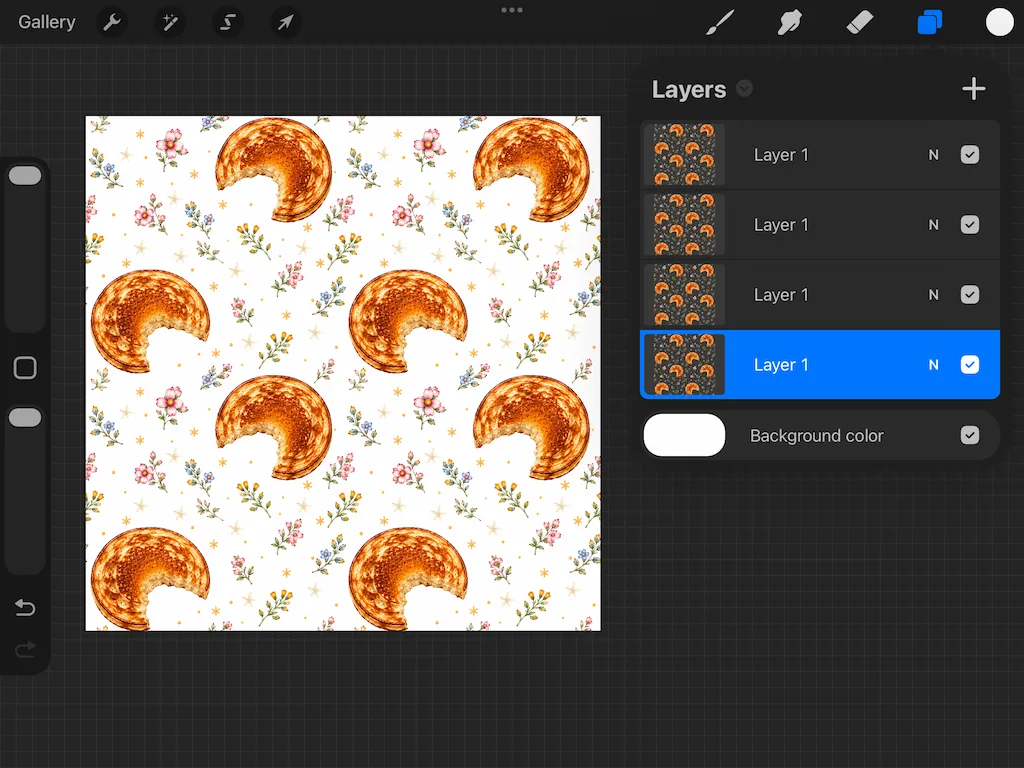
The pattern below started with a photo of a breakfast plate my mom made. At first, it was just an ordinary photo in my phone gallery. After I turned it into a seamless pattern, that photo became a digital asset that I could use and publish.
For me, the most fun part is seeing a simple photo turn into something that has commercial value.
Pattern Results That Are Already Live
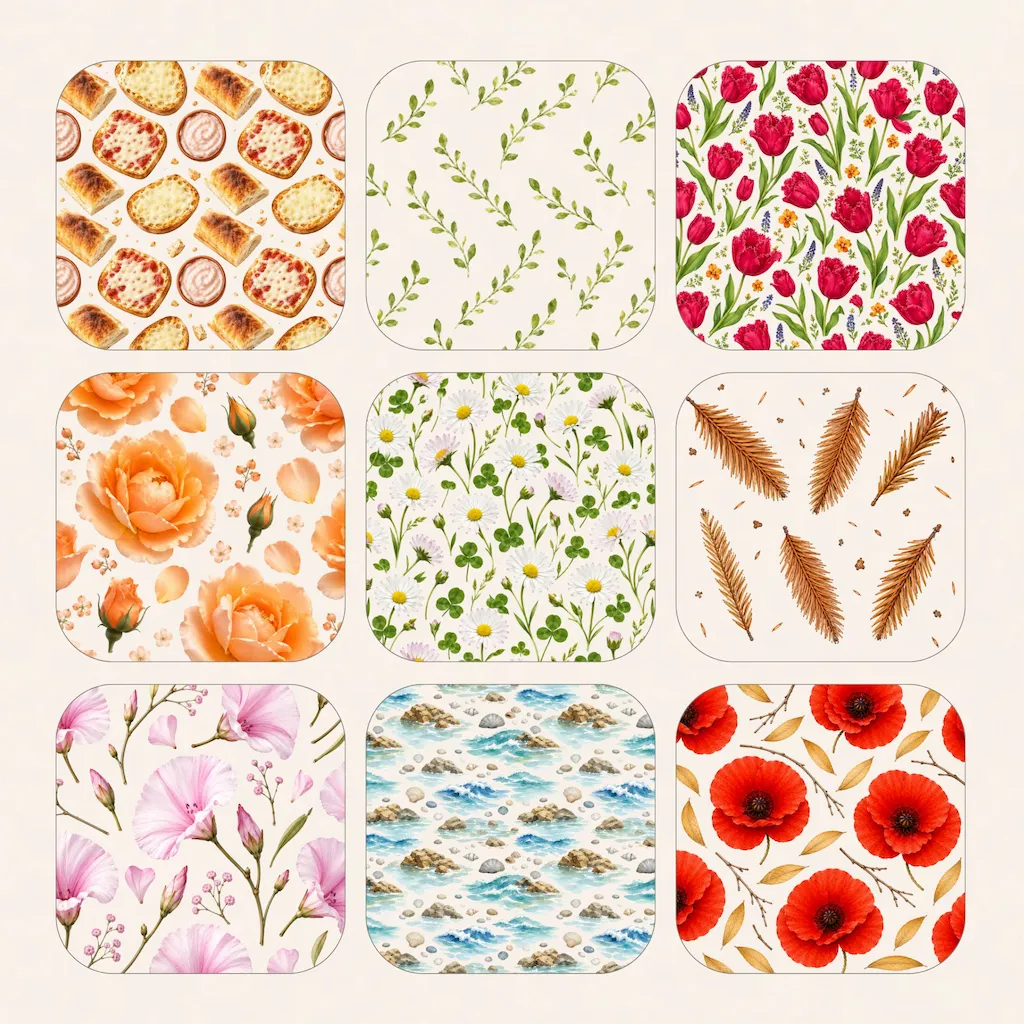
Here are some examples of patterns created using the workflow above. Some of these patterns have already been accepted and published on Adobe Stock and Dreamstime.
Want to Make the Process Faster?
If you want to speed up the process of making patterns without having to start everything from scratch, I created Pattern Studio AI.
Pattern Studio AI helps turn one photo into different seamless pattern ideas that you can develop further in your own design style.
- Beginners who are learning to create patterns
- Microstock contributors
- Surface pattern designers
- Print-on-demand creators
Want to create seamless patterns faster?
Get Pattern Studio AI →✨ Syaima's Notes
All the patterns shown in this article come from photos I took myself and then processed using an AI-based workflow. Some of the results have already been accepted and published on Adobe Stock and Dreamstime.
This blog isn't about making AI replace creativity. Quite the opposite. AI is a tool for developing the ideas we already have.